Five steps
From install to first calm Sunday.
- 01
Install on the family’s devices
A 90-second guided setup on your child’s phone, your phone, and any shared tablets or laptops. CalmKin appears as a normal app on your child’s home screen — no hidden icons. Your child taps through the same explainer you read, and signs the family agreement.
- 02
Connect the apps that matter
On Android we ask for the accessibility permissions needed to read the apps you want monitored — TikTok, Snapchat, Instagram, WhatsApp, Discord, YouTube. On iPhone we walk you through the Apple Family Sharing path, which has narrower coverage but full transparency. On computers we install a small browser-aware companion.
- 03
CalmKin reads, in private
A small language model on the device pre-filters every message and screen. Only ambiguous fragments are passed — anonymously and briefly — to our server-side language model for deeper context. The conversation itself is never stored.
- 04
You get a calm weekly summary
Every Sunday, you receive one short email: how much screen time, which apps dominated, who your child talked to most, anything notable in tone — and a single sentence on what to ask about over breakfast.
- 05
You only hear urgently when it matters
When CalmKin spots one of the seven patterns that need a parent — grooming, sextortion, severe bullying, self-harm cues, drug contact, sexual content involving the child, threats — you get a clearly-written alert with what we saw, why it matters, what to do in the next hour, and the local crisis resource.
What CalmKin reads — and what it doesn’t.
What we read
- — Direct messages on the apps you connect
- — Group chats your child is in
- — Comments and replies they send and receive
- — Captions and on-screen text in videos they watch
- — Search queries they type
- — New contacts and the language those contacts use
What we don\u2019t
- — The audio of voice or video calls (we cannot read these)
- — Banking, health, or any other unrelated app
- — Photos in your child\u2019s camera roll (only those they share)
- — Conversations on apps you choose not to connect
- — Anything when your child uses Incognito or Private Mode
- — Romance, jokes, friendship drama, homework venting
We are honest about our limits because pretending to see everything is the most dangerous thing a parental tool can do.
A real alert
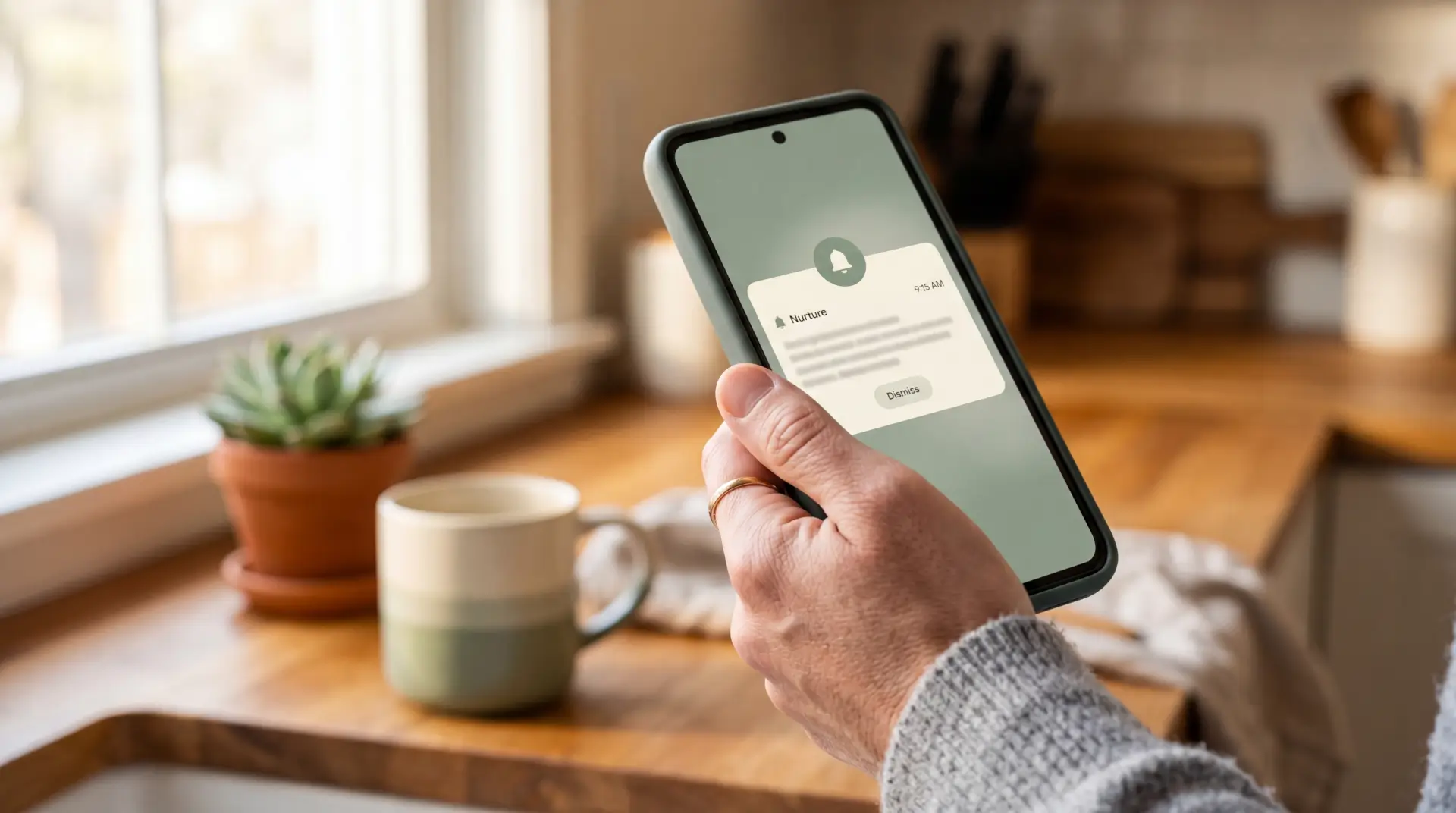
What an alert looks like — written like a friend, not a system.
Sunday 9:14 AM · CalmKin
A new contact is using grooming patterns with Maya.
Over the past nine days, an account claiming to be a 14-year-old named "Jordan" has messaged Maya on Snapchat. The pattern matches what specialists call contact grooming: rapid escalation of intimacy, requests to move to a private app (Telegram), keeping the friendship secret from her real friends, and yesterday a request for a photo "just to prove she\u2019s real."
This may be nothing. It may also be very much something. We think the right next step is to ask Maya about Jordan tonight — not as an interrogation, just curious — and then read the script we\u2019ve prepared if it feels real.
Calm safety, when you\u2019re ready.
Add your email — we\u2019ll send the early access invite when your country opens.
Read next
Our approach to your child’s privacy
Why we believe visible monitoring beats hidden monitoring, and how we honour that promise.
Read more →Honest comparison: CalmKin vs Bark
Where Bark is excellent, where it falls short, and what CalmKin does differently.
Read more →A parent’s guide to grooming warning signs
The quiet patterns predators use online — what they look like, and what to ask.
Read more →